XEROX PRODUCT EXPLORER
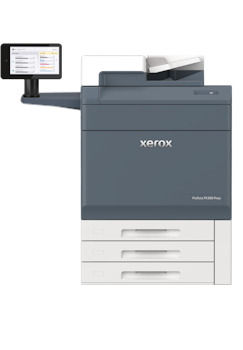
Xerox® Proficio™ PX300 Production Press


Popular Print Applications
To pre-configure a product with the options for a specific printing application choose one of the following, then explore and customize the product with any additional options you may require to meet your needs.

Newsletters/Booklets
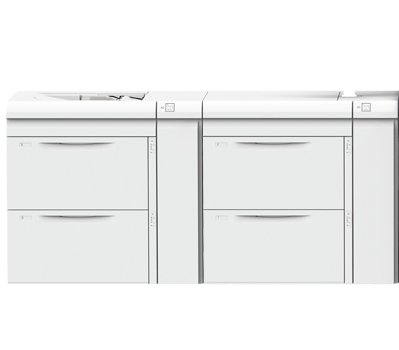
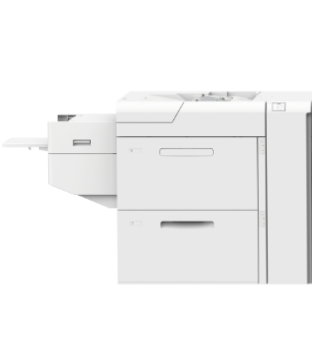
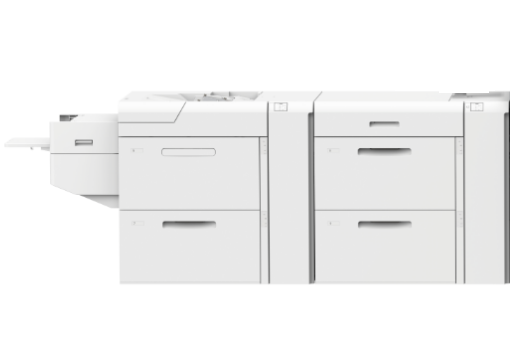
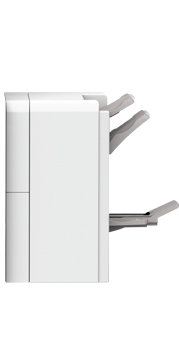
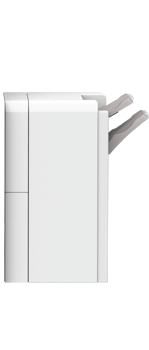
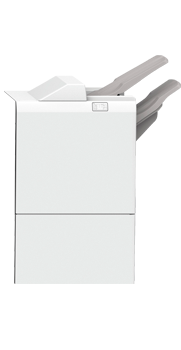
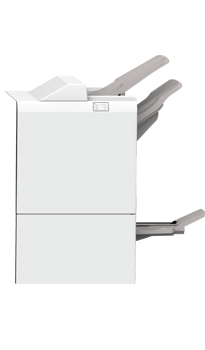
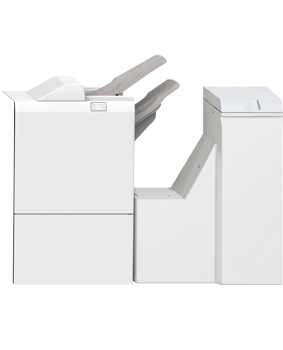
A Production configuation includes: The Advanced High Capacity Feeder and Production Ready Booklet Maker Finisher with the Xerox SquareFold Trimmer and Crease and Two-sided Trimmer. This facilitates the production of booklets and newsletters in a high quality, full bleed trimmed format.
Start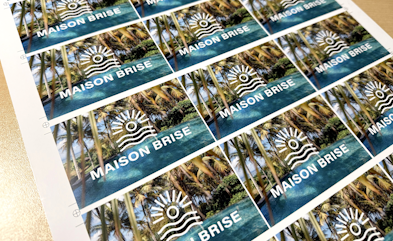
Business Cards
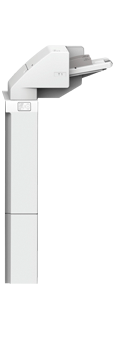
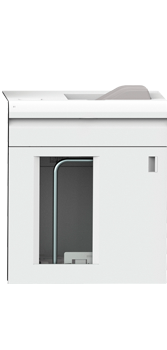
This application can be run using any finishing option but if large quantities are required, a High Capacity Stacker for off-line trimming is the best choice. This application is typically run on heavyweight coated or uncoated media and is best fed through the optional Advanced High Capacity Feeder or High Capacity Vacuum Feeders
Start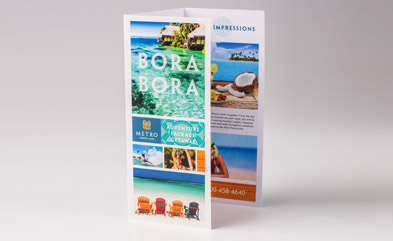
Pamphlets/Tri-Fold Brochures
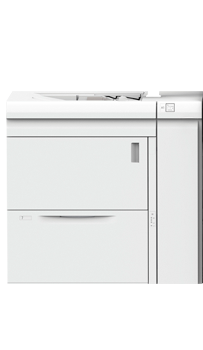
Folding applications can be run in-line if the C/Z folding options are added to the Business Ready or Production Ready, Standard or Booklet Maker finishers. The addition of the High Capacity Feeders provides support for longer print runs.
Start
Envelopes
Printing envelopes provides additional value to your other offerings such as marketing brochures, postcards and business collaterals. A wide variety of supported sizes, colors and stocks. No kits required for envelope printing, standard feature on every Proficio PX300 Press
Start
Extra Long Sheets/Banners
Expansion into new job opportunities is made possible through extra-long sheet printing, which unlocks the potential for high-value applications such as banners, posters, signage, panoramic artwork, and attention-grabbing hanging round signage - upto 51" of next-level creative print possibilities.
Start
Specialty Media/Synthetics
Specialty media applications are best run through the optional High Capacity Feeders that handle medias up to 400 gsm. The optonal Static Dissipation Module helps eliminate static from both sides of each sheet in a single, productive pass.
StartExplore Product
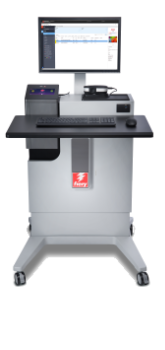








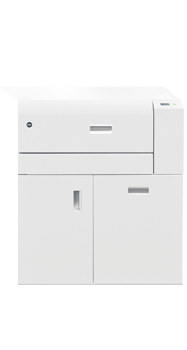
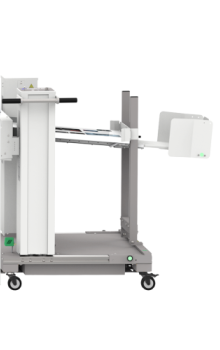
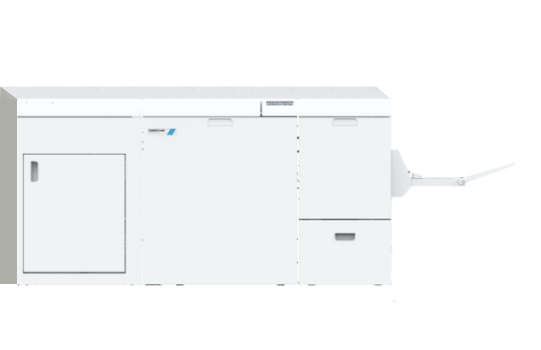
Help
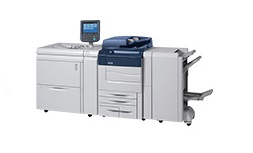
This tool has been designed to allow you to create a wide variety of configurations for your chosen product.
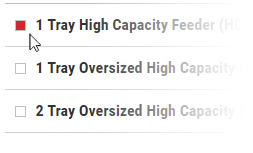
Additional options can easily be added, changed, and removed by using the checkboxes. Invalid configurations will result in a prompt that indicates what items must be changed/added/removed in order to incorporate the current selection.
Once all of the desired elements have been added you can print your configuration, download a PDF of your configuration, create a link to share, or contact Xerox to discuss your requirements further.
Resources
Next Steps
If you would like to discuss your printing or product requirements with a Xerox Dealer, select your country below in order to find your nearest dealer
Share Your Configuration
To share a link to your configuration with others, click the Share button below to generate a link. Copy and paste this link wherever you want to share your configuration, for example, in an email.